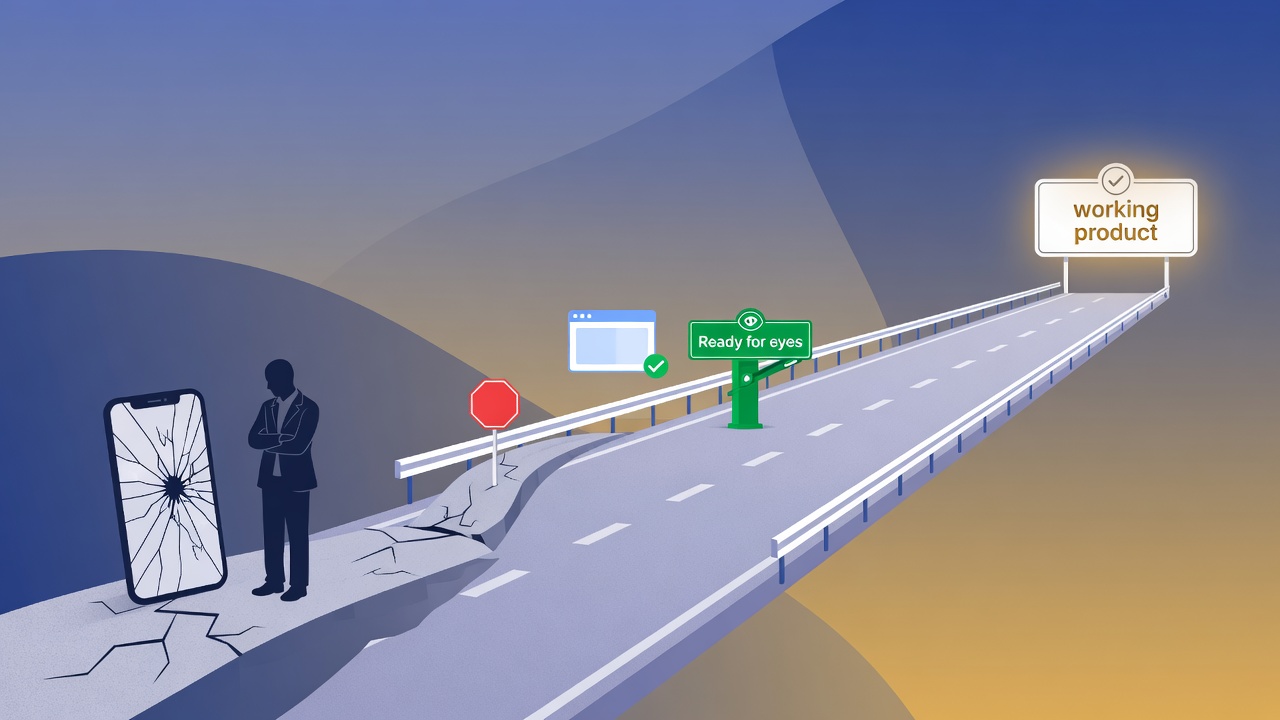
Early in a product, a few people will believe in you enough to give real time: try an unproven link, click through a rough flow, report what they find. Mentors, design partners, friends in the niche, first customers who said “I’ll test it.” That attention is rare. A smooth cold path turns it into real product learning.
When the first click fails, it is usually not “AI cannot code.” It is missing a readiness check before you ask humans for feedback.
This article is for non-technical and lightly technical founders. Stay focused on who you serve and what delight looks like — not on reinventing process every week. Your Bootstrap OS should hold the rules. You choose the destination.
Series: How to See Exactly Where Your Startup Stands · How Your Bootstrap OS Actually Runs Research · this article (ready check + workflow map) · From Solo Bootstrap OS to YC QM. Open template: github.com/ivelin/totboxapp/docs/company-os. Totbox product details are illustration only — steal the method, not the market.
When feedback never reaches the product
Solo founders (especially when tools write most of the code) default to:
- Build something that works in my session
- Immediately send it to someone who believes in you - mentor, design partner, or first tester
- Discover the happy path only works for you
What the founder sees
- Works in my browser / chat session
- Looks finished enough to share
- Excited to get real feedback
What the early adopter hits
- Login or photo permissions denied
- Blank page or JavaScript error
- Embedded form that never runs
Result: people who already said yes spend their session on setup and errors, founder confidence dips, and learning slows. Helpful notes about a path that never loads are still not product feedback. They are deploy feedback.
Real examples look ordinary and fixable: a gift app that fails Google Photos permissions plus a script error on first open; a survey that only shows a static note because the embed settings blocked all scripts. Five to ten minutes of cold checking would have caught both.
What “Ready for human eyes” means
Bootstrap OS already has a research twin of this idea: do not treat simulated “I would buy” as demand, and do not open real-world customer research until you agree the filter is honest enough.
Gate A · research
Ready for real conversations?
Have we filtered customer groups honestly enough to talk to real people about the problem? Synthetic stress first. You decide when real talks start.
Gate B · product (this article)
Ready for human eyes on the product?
Can a cold external person finish the happy path without you in the room?
Ready for human eyes is the product-side check. Before any of these:
- Asking anyone who believes in you to beta-test or "click around"
- Sending a product link to a prospect or design partner
- Posting "try my app"
- Opening an interactive survey that depends on working UI
You need minimum evidence:
Shareable URL (not only localhost / private chat)
Catches: “Works only when I’m logged in”
Happy path finishes for a cold user
Catches: Core flow dies on first stranger click
No blocking red errors on the path
Catches: Silent JavaScript break
If embedded, the form actually runs
Catches: iframe settings kill all scripts
Login / photo / permissions work once
Catches: OAuth or scope denials
Green does not mean people will pay, stay, or love you. It only means: cold humans can exercise the path you want feedback on. That single bar is high-leverage for solo founders.
You drive. The OS is the vehicle.
Founders should not need a computer science degree to ship a path strangers can finish. Today we have sandbox browsers, automated click-throughs, and AI helpers that act like first-time users in natural language. The Bootstrap OS should use those tools for you — with as little distraction as possible.
You drive
- · Who you serve and what delight means
- · The happy path in plain words
- · Pass / fail in human language
- · When to ask real people
- · Advance / iterate / hold / kill
Bootstrap OS vehicle
- · Cold path checks (browser / synthetic user)
- · Blockers in plain English
- · Hold “please test this” until green
- · Status board you can fill in under two minutes
- · Decision notes so the week is not chat amnesia
Your inputs stay simple:
- Who - one line about the user
- Happy path - "open link, sign in, finish the main action, see success"
- Done means - "I can finish once without help; no red errors"
- URL - public or stable preview, not only your private chat
The harness runs the cold path and reports blockers in plain English. You fix product intent. You do not invent a full-time engineering career path just to ship a thin slice.
Where the open workflows fit on the company loop
The Bootstrap OS has two clocks (full story in the blueprint article):
- Slow clock - prove the business (thesis, research, tiny build, real proof, grow only after)
- Fast clock - weekly learning loop of seven stages
Three open workflows ship with the template today. They are not a full factory of every possible automation. They are the spines that stop the most common self-sabotage.
Dashboard + gearshift
company-operating-loop
Where are we? Start or continue the week. Never jump strategy without your OK.
When: Any time you need status
Honest customer filter
user-research
Rank several customer groups with synthetic stress tests. You decide: iterate, ready, or kill.
When: Early stages · before heavy build
Check before you ask for feedback
ready-for-human-eyes
Cold happy path on a real link. Blocks “please try this” until green — unless you override on purpose.
When: Before any early-adopter product ask
Think of a weekly learning cycle. One workflow is the dashboard and gearshift. The other two plug into specific stops — they are not the whole company.
- 1
Synthetic research
user-research
- 2
Validation
user-research
- 3
Build tiny slice
—
- 4
Test
ready-for-human-eyes
- 5
Score quality
ready-for-human-eyes
- 6
Real feedback
only if green
- 7
Update memory
—
1 · company-operating-loop — the outer shell
This is your Monday cockpit. Ask “where are we?” and get journey step, weekly loop step, how free the AI is, and whether gates are open. It can start or continue the week. It will not advance the slow “prove it” journey without your explicit yes.
When you are still early on customers, continue is blocked until research work is honest — then it hands off to the research workflow. Detail: How Your Bootstrap OS Actually Runs Research.
2 · user-research — the hard filter
Sits on loop stages 1–2 (and early journey). It ranks several customer groups, stress tests them with synthetic users, and waits for your decision: keep filtering, agree ready for real conversations, or kill the slate. AI is not allowed to declare product-market fit from chat alone.
3 · ready-for-human-eyes — the ready check
Sits on loop stages 4–5, and unlocks honest stage 6 product asks that depend on a URL. Check the cold path. Mark blocked or green. Hold “please try this” until green — unless you deliberately override and write down why you are sharing a path you know is incomplete.
ready-for-human-eyes: ask for feedback
- 1. check
Cold path
URL + happy path. You or an agent run as a first-time user.
- 2. gate
Blocked or green
Blocked lists fixes. Green needs a short note of what passed.
- 3. ask
Feedback draft
Only if green, or you override on purpose with a written reason.
A five-step checklist you can run this week
Write who + happy path + "done means" in one note (no jargon).
Put the product on a shareable URL (preview is fine).
Open it as a stranger: phone, private window, or ask your AI helper to act as a first-time user.
Fix every blocker that stops the happy path. Re-run until it finishes cleanly.
Only then send the ask, with the steps you already verified, so their time goes to product feedback, not debugging your deploy.
What this check is not
- Not proof of demand or willingness to pay
- Not a full security audit or enterprise reliability program
- Not permission to skip real interviews
- Not a reason to protect a weak idea because the demo loads
It is respect for early-adopter time: anyone who believes in you enough to test an unproven product. It keeps learning loops honest. Feedback on a working path beats compliments on a screenshot of your laptop.
Language you can reuse (founder or helper)
I only spend deep time on links that pass a cold-stranger happy path. Run it in a private window or on another phone first. If the core path dies, fix before you send.
Bootstrap OS makes that rule part of the system so early believers are not the only backstop — and so AI helpers wait for a green cold path before calling something “ship ready.”
FAQ
What is Ready for human eyes?
A simple readiness check before external product testing. Cold URL, happy path complete, no blocking errors. Green means the path works for a stranger — not that the business is proven.
Why do vibe-coded apps fail on first early-adopter test?
Founders often skip readiness: it worked in their session, so they send the link. Cold users hit different cookies, permissions, embeds, and error paths — whether the person is a mentor, friend, or first customer who said yes.
What are the three open Bootstrap OS workflows?
company-operating-loop (status and weekly advance), user-research (honest customer filter), ready-for-human-eyes (ready check before product-test asks). See the diagram above for where each sits on the loop.
Do I need a computer science degree?
No. State who, path, done-means, and URL. Tools and AI helpers run cold checks. You keep strategy and human asks.
Does green mean product-market fit?
No. Path alive ≠ people care or pay. Keep evidence labels honest (see the blueprint article).